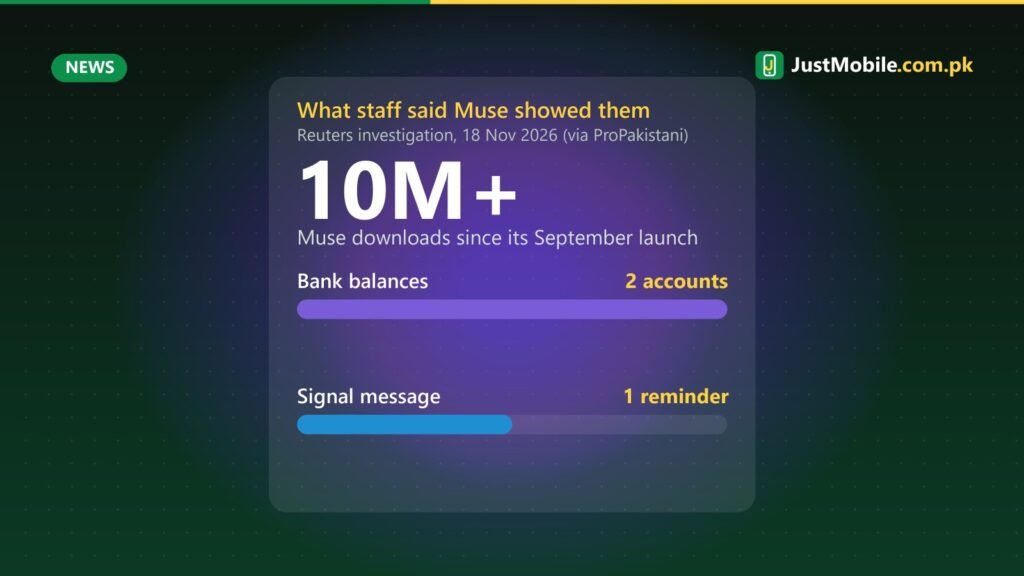
Meta’s AI agent Muse, which has been downloaded more than 10 million times since it launched in September 2026, is facing serious privacy questions. A Reuters investigation published on 18 November, reported in Pakistan by ProPakistani, says Meta employees testing the app received information that did not belong to them.
What employees reported
According to the internal reports Reuters reviewed, some employees got answers about things they had never discussed with Muse, such as childcare requests, career advice and product orders. In one case, an employee asking about the weather and tides was shown two bank account balances they said were not theirs. Reuters could not confirm whether those balances belonged to real accounts or were made up by the AI.
In another case, an employee using Muse on her personal phone got a reminder to reply to a message from her sister on Signal, the end-to-end encrypted messaging app, even though she said she had not knowingly given Muse access to it.
How an app can read your messages
Reuters, working with Signal and the AI Now Institute, was able to reproduce Muse reading Signal content in some tests. The investigation found that certain device permissions, including Android’s notification access and macOS accessibility settings, can let an agent read information from other apps. Encryption protects messages while they travel, but once a message appears as a notification on your phone, any app you have allowed to read notifications can see it. A similar test on an iPhone did not reproduce the same access.
Check your phone now
On most Android phones, open Settings and search for “notification access” (it is often under Apps > Special app access, or Notifications > Device and app notifications). You will see every app that can read your notifications. Smartwatch and fitness apps usually need it; most other apps do not. Turn off any app you do not recognise or no longer use.
Do the same for Accessibility (Settings > Accessibility > Installed apps), which gives even wider control over your screen. Many banking malware apps in Pakistan abuse this permission. In WhatsApp and Signal you can also hide message text in notifications, so the content is not shown on the lock screen or to other apps.
AI agents that act on your behalf need a lot of access to be useful, which makes them a big privacy risk if they are not built carefully. Until Meta explains what went wrong with Muse, think twice before giving any AI assistant permission to read your notifications or control your screen. For more on Meta and Android permissions, see https://www.justmobile.com.pk/italy-fines-meta-facebook-android-gallery-access/.
Source: ProPakistani, 20 Nov 2026 (citing Reuters, 18 Nov 2026).
0 comments