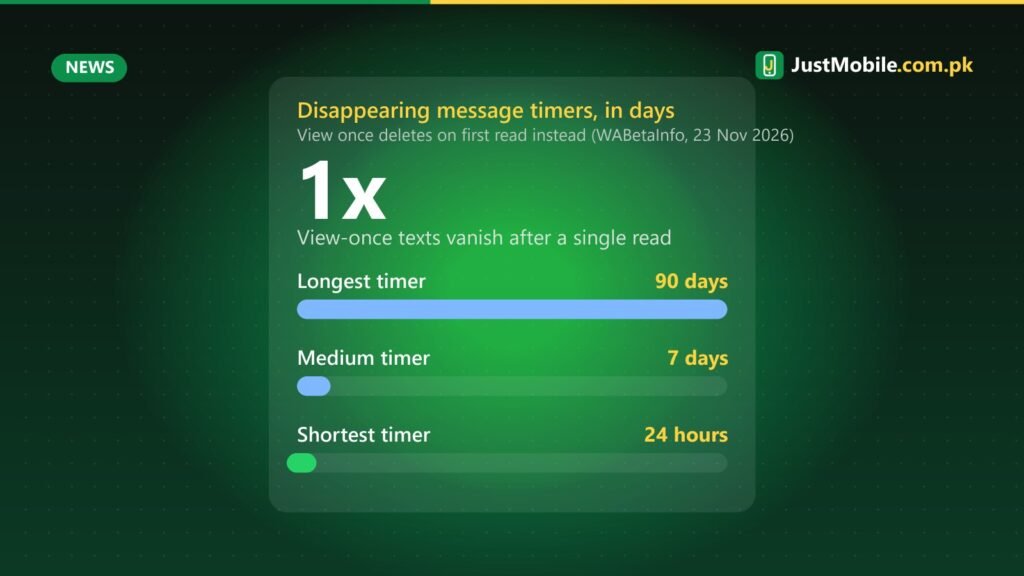
WhatsApp has let you send photos, videos and voice notes as “view once” for some time. Now it is doing the same for plain text messages. According to WABetaInfo, view-once text reached some iPhone beta testers on 23 November 2026, a few days after it appeared in the Android beta.
How to send a view-once text
- Open a chat and type your message as usual.
- Press and hold the send button instead of tapping it.
- A small menu appears with two options: schedule the message, or send it as view once.
- Choose view once. The message is sent straight away.
When the feature is switched on for your account, WhatsApp shows a short hint above the typing bar that explains the long-press.
What the other person sees
- The message arrives as a bubble. They tap it, and it opens on a separate screen with a short privacy notice.
- Once they close that screen, the text is gone for both of you. The chat only shows that it was opened.
- The text cannot be copied, forwarded or saved, and long-pressing it shows no menu.
- On iPhone, screenshots and screen recordings are blocked while the message is open.
This is different from disappearing messages, which are deleted after a set time (24 hours, 7 days or 90 days) whether they were read or not. A view-once text disappears as soon as it is read.
Who has it
It is still a beta feature. On iPhone it is rolling out to some testers on WhatsApp beta for iOS 26.45.10.73 (TestFlight), and WABetaInfo says more accounts will get it over the coming weeks. On Android it appeared earlier in beta 2.26.45.6. WABetaInfo did not say whether it works in group chats. WhatsApp has not announced a date for the normal app, so most users in Pakistan will get it later through a regular update.
A word of caution
View once is useful for sharing a one-time code, an address or a Wi-Fi password without leaving it in the chat. But it does not stop someone from photographing the screen with another phone, so do not treat it as a safe way to send bank details, CNIC numbers or passwords. WhatsApp support will never ask you for these.
It is the latest in a busy month of WhatsApp tests, after shared chat themes (https://www.justmobile.com.pk/whatsapp-shared-chat-themes-android-ios-beta-everyone-or-you/) and 1,500-member groups (https://www.justmobile.com.pk/whatsapp-group-limit-1500-members-sticker-reactions/).
Sources: WABetaInfo, iOS, 23 Nov 2026; WABetaInfo, Android.
0 comments