Until now, a WhatsApp chat theme was personal: if you picked a pink wallpaper and purple bubbles, the other person still saw their own colours. WhatsApp is now testing shared chat themes, so a theme you pick can change the chat for everyone in it. The feature was spotted by WABetaInfo on Android on 20 November and on iPhone on 21 November 2026.
How it works
- Android: open a chat, tap the three-dot menu, choose Chat theme and pick a theme or wallpaper. A pop-up asks whether to share it with everyone in the conversation.
- iPhone: change the theme from the chat info screen. A sheet offers two choices, Everyone and You. According to WABetaInfo, “Everyone” is selected by default, so pick “You” if you want to keep the change to yourself.
- A shared theme changes both the wallpaper and the bubble colour for the other person, or for all members in a group.
- A system message in the chat shows who changed the theme, with a shortcut to change it again. In groups, any member can change it at any time.
- Custom wallpapers from your gallery can be shared too, and WABetaInfo says shared themes are end-to-end encrypted.
Who has it
It is still a beta test. It is rolling out gradually to some testers on WhatsApp beta for Android 2.26.46.8 (Google Play beta) and WhatsApp beta for iOS 26.45.10.72 (TestFlight). WhatsApp has not said when it will reach the normal app. If you are not in the beta, you will get it later through a regular Play Store or App Store update.
Part of a busy month for WhatsApp
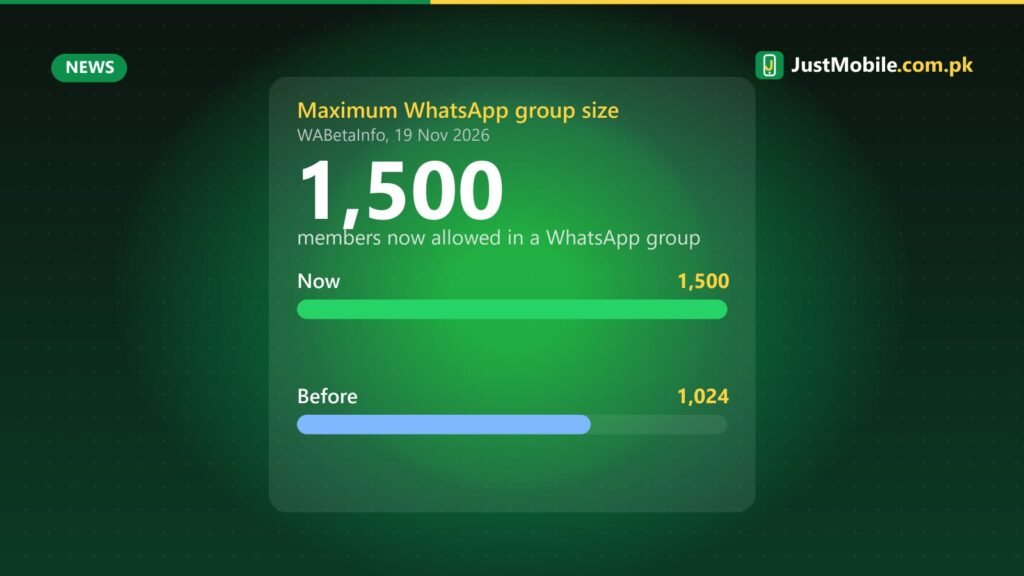
November has brought several WhatsApp changes that Pakistani users will notice: groups can now have up to 1,500 members (https://www.justmobile.com.pk/whatsapp-group-limit-1500-members-sticker-reactions/), WhatsApp is rolling out its own cloud backup with 2GB free as an alternative to Google Drive and iCloud (https://www.justmobile.com.pk/whatsapp-own-cloud-backup-iphone-2gb-free-icloud-alternative/), and iPhones below iOS 15.5 lose support on 30 November (https://www.justmobile.com.pk/whatsapp-ios-15-5-minimum-november-30-older-iphones/).
One thing to watch
In family and office groups, a shared theme means one person’s choice will show up on everyone’s phone. That is harmless, but if the feature reaches you and you prefer your own look, choose “You” when you change a theme, and check the chat theme page if a group suddenly changes colour.
Sources: WABetaInfo (Android), 20 Nov 2026; WABetaInfo (iOS), 21 Nov 2026. Beta features can change before they reach the public app.
0 comments