iPhone users who are always running out of iCloud space may soon get some relief. WhatsApp has started rolling out its own cloud backup for chats on iOS, as an alternative to Apple’s iCloud. The feature was spotted by WABetaInfo on 17 November 2026, the same day a similar option was reported for Android (see our earlier story on WhatsApp’s own backup on Android).
How it works
- Where it is available: WhatsApp beta for iOS 26.45.10.71 on TestFlight. WABetaInfo says the latest App Store version also supports it, but WhatsApp is switching it on gradually, so most users will not see it yet.
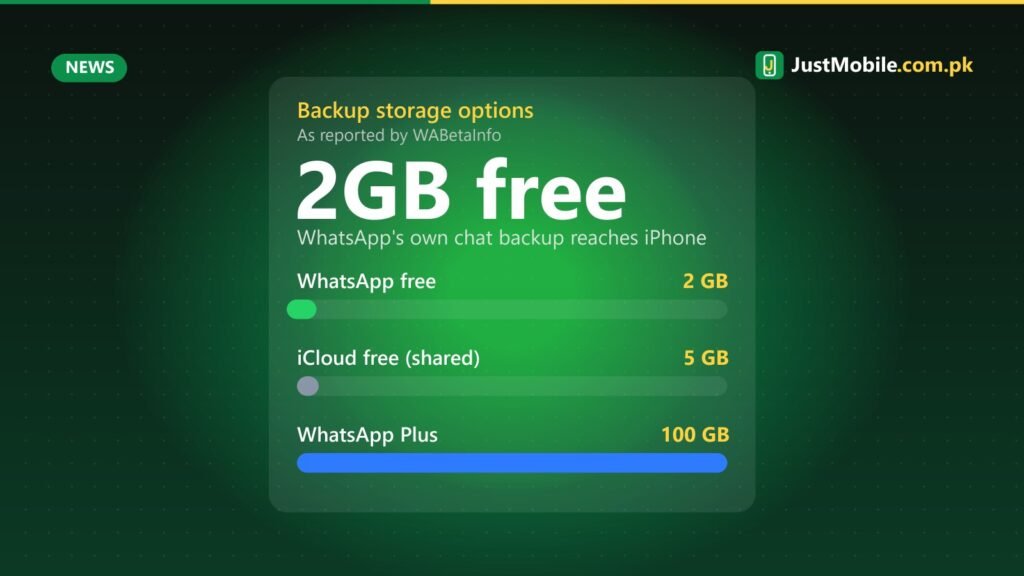
- Free space: every user gets 2GB free on WhatsApp’s own servers for chat backups.
- More space: a WhatsApp Plus subscription includes 100GB, and Meta One plans offer up to 4TB. Prices have not been published for Pakistan.
- Encryption: backups are end-to-end encrypted by default, and you cannot skip this step. You protect the backup with a passkey (the recommended option) or a 64-digit encryption key.
- If a subscription ends: WhatsApp keeps the backup for four months. If you do not renew in that time, it is deleted permanently.
Why it matters for iPhone users
Apple’s free iCloud plan gives only 5GB, and that space is shared by photos, device backups, documents and every app. WhatsApp chats with years of voice notes, photos and videos can easily use most of it, which is why so many iPhone owners see “iCloud storage full” warnings. Moving WhatsApp backups to WhatsApp’s own storage keeps them separate, and frees up iCloud for photos and device backups.
The catch is the 2GB free limit. Heavy WhatsApp users with large media libraries may need to turn off video backups or pay for more space. Also, these backups cannot be used to move chats between iPhone and Android; for that, WhatsApp’s built-in chat transfer tool is still needed.
How to check if you have it
Open WhatsApp, go to Settings > Chats > Chat Backup and look for a choice of backup provider. If it is not there yet, WABetaInfo expects it to reach more accounts over the coming weeks. Whichever option you use, remember your passkey or save your 64-digit key somewhere safe: without it, an encrypted backup cannot be restored.
Sources: WABetaInfo, 17 Nov 2026; PhoneWorld, 18 Nov 2026.
0 comments