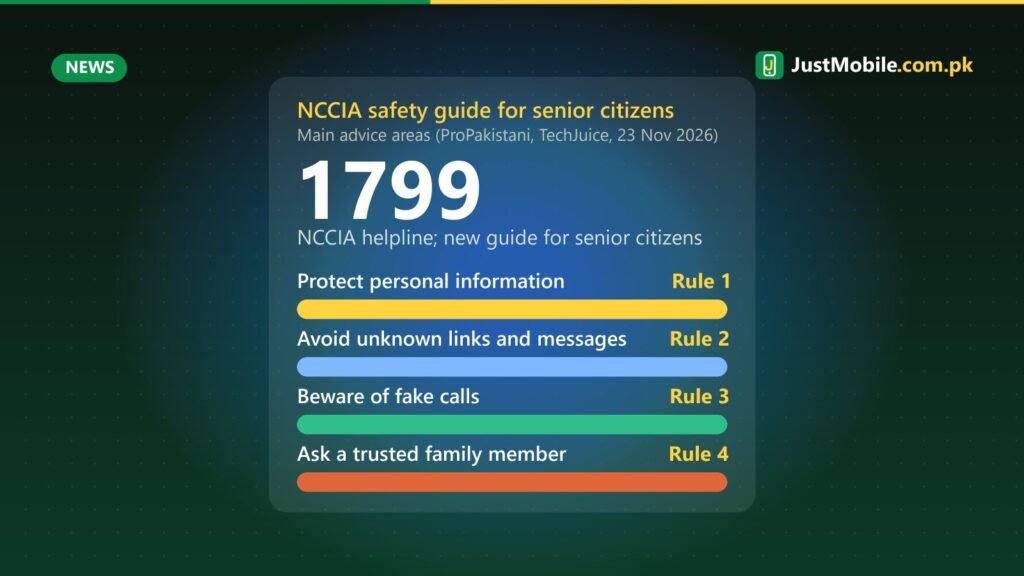
A few days after launching Kids Corner for children, the National Cyber Crime Investigation Agency (NCCIA) has published a cyber safety guide aimed at senior citizens. It is available on the agency’s official website, and the NCCIA helpline 1799 can be called for help, according to ProPakistani and TechJuice (23 November).
What the guide tells older users
The NCCIA’s advice is short and practical:
- Keep personal information private, such as CNIC numbers, bank details and codes.
- Do not click on unfamiliar links or reply to suspicious messages.
- Be careful with phone calls from people claiming to be from a bank, a company or a government office.
- Ask a trusted family member before doing anything unfamiliar online.
Why it matters
Many older Pakistanis now use smartphones for WhatsApp, banking apps and mobile wallets, often without anyone to check what is real. Scammers know this. Common tricks include calls that claim a bank account will be blocked, messages about a prize or a government payment, and requests for the one-time code that has “just been sent by mistake”.
Simple steps families can take
These are our suggestions, in addition to the NCCIA’s guide:
- Agree on one rule: never share a PIN, password or one-time code with anyone, even if the caller sounds official. Banks and wallets do not ask for them on the phone.
- Turn on two-step verification in WhatsApp so the account cannot be taken over with a stolen code.
- Keep the phone and apps updated. National CERT recently urged everyone to update WhatsApp because of five security flaws.
- Save the NCCIA helpline 1799 and your bank’s official number in the phone, so a suspicious call can be checked by calling back on a known number.
If money has already been lost, call the bank at once to block the transaction, then report the fraud to the NCCIA.
Sources: ProPakistani, 23 Nov 2026; TechJuice, 23 Nov 2026.
0 comments