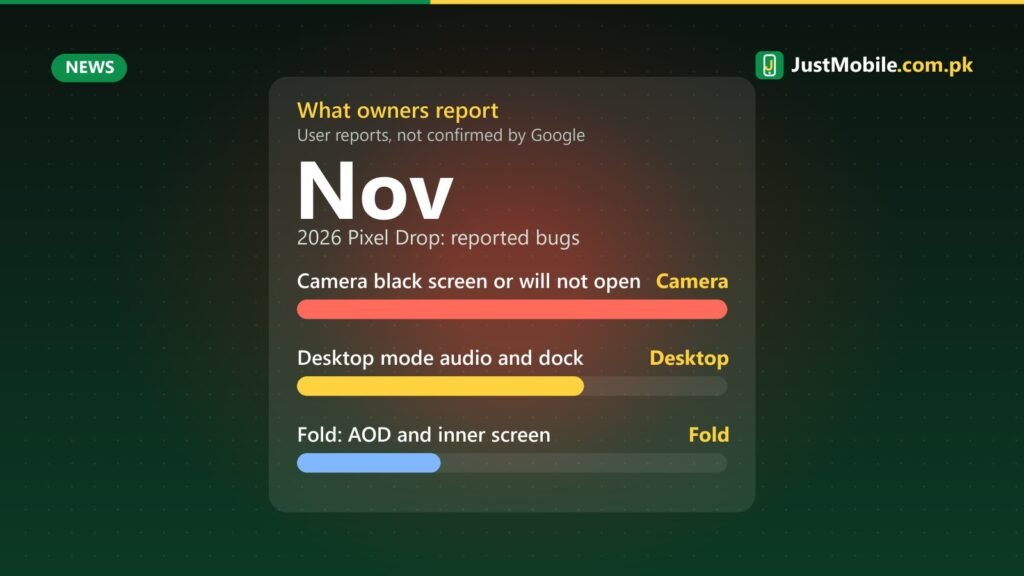
Earlier this week we reported that Pixel owners in Pakistan are seeing 5G after the November update. The same November 2026 Pixel Drop is now drawing complaints elsewhere: on Reddit and Google’s own Pixel Help Community, owners say it has broken their cameras and a few other features.
What owners are reporting
- Camera failures: the camera app shows a black screen or will not start. One Pixel 11 Pro XL owner said both the front and rear cameras stopped working, along with third-party apps that use the camera, such as video-calling apps.
- Desktop mode: when connected to an external monitor, audio kept playing through the phone instead of the HDMI display, and the dock and Alt+Tab misbehaved after the phone’s screen timed out.
- Foldables: a Pixel 9 Pro Fold owner reported the notification shade appearing over the always-on display and the inner screen sometimes staying black after unfolding.
It is not clear how many phones are affected or whether the problems share a cause. Notebookcheck, which collected the reports, did not find any acknowledgement from Google so far, and no fix has been announced.
What you can try
- Turn the phone off completely, wait about five minutes, then switch it back on. Several owners said this brought the camera back.
- Clear the camera app’s cache from Settings > Apps > Camera > Storage, and check that the camera permission is still allowed.
- Check for another update in Settings > System > Software updates, in case Google releases a fix.
- Factory reset only as a last resort. One owner said a reset fixed it, but it erases the phone, so back up your photos and WhatsApp chats first.
If none of these work, contact Google support or the shop you bought the phone from. If your phone has not installed the update yet and you rely on the camera for work, it may be worth waiting a few days for more reports before updating.
Source: Notebookcheck, 14 November 2026. The cache and permission steps are general Android troubleshooting, not a Google-confirmed fix.
0 comments